Your entire show.
In your hands.
Turn any phone, iPad or laptop into the remote for your Ableton set. Every section is one tap away, every jump lands on the bar, and the audio stays on your Mac.
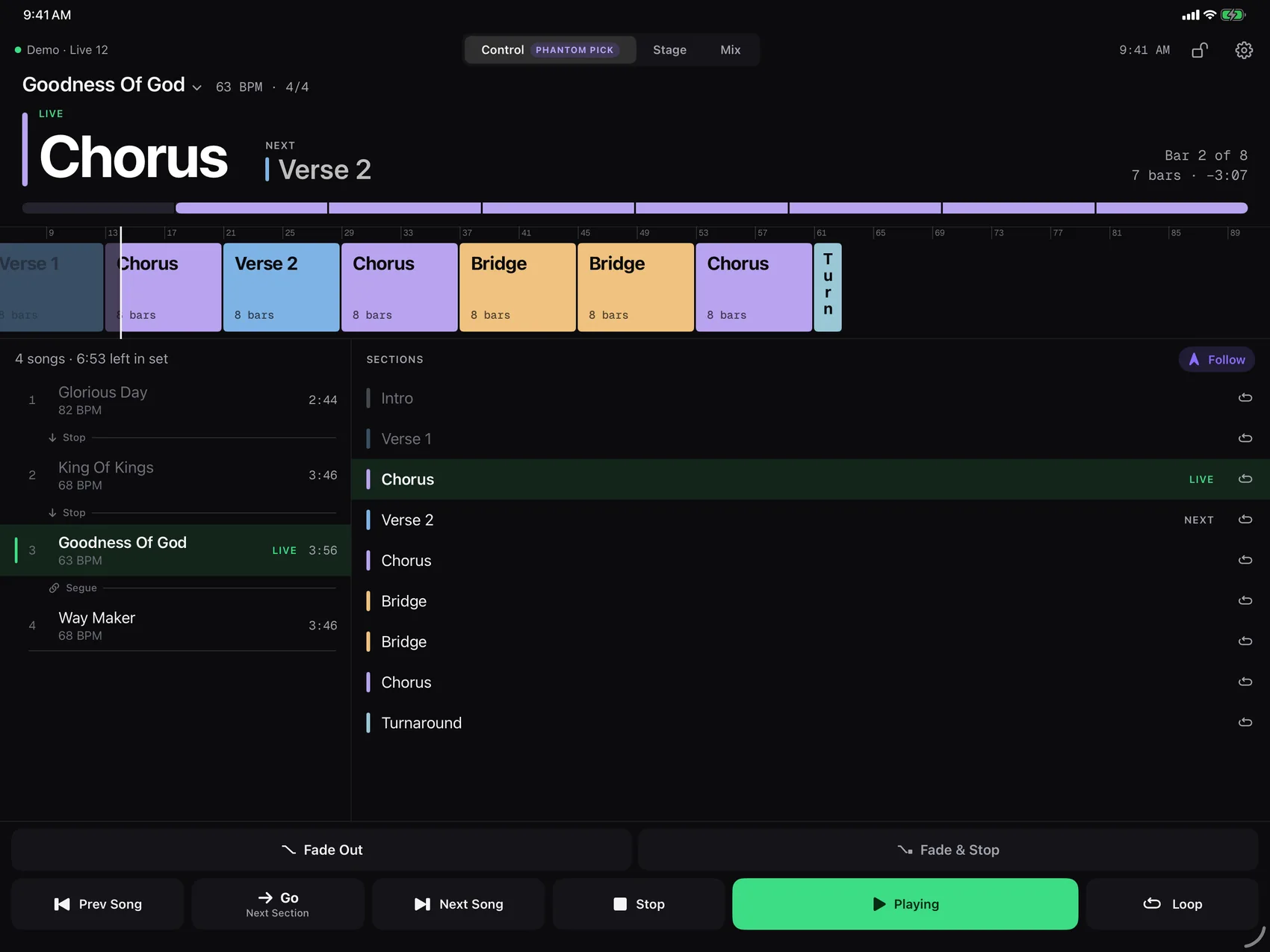
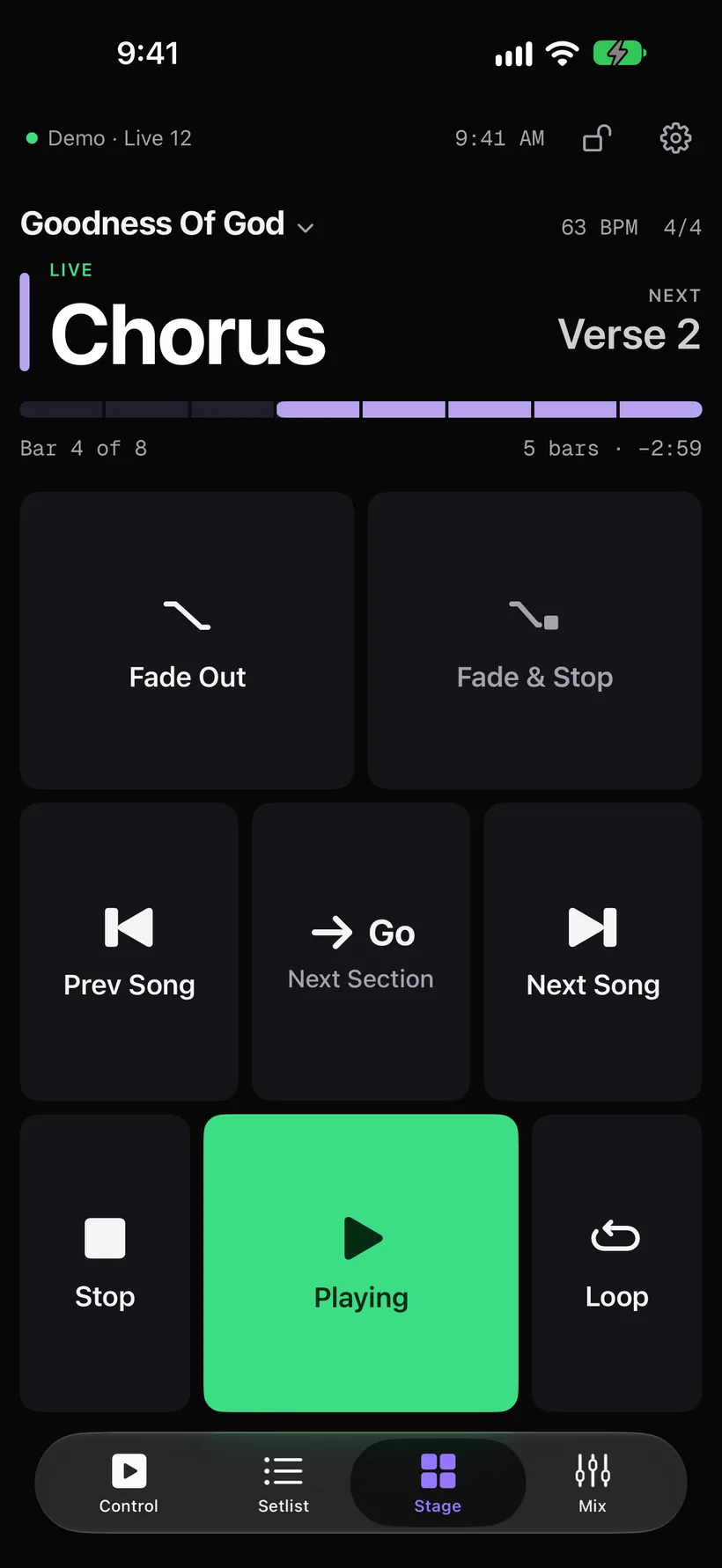
Go ahead.
Tap the bridge.
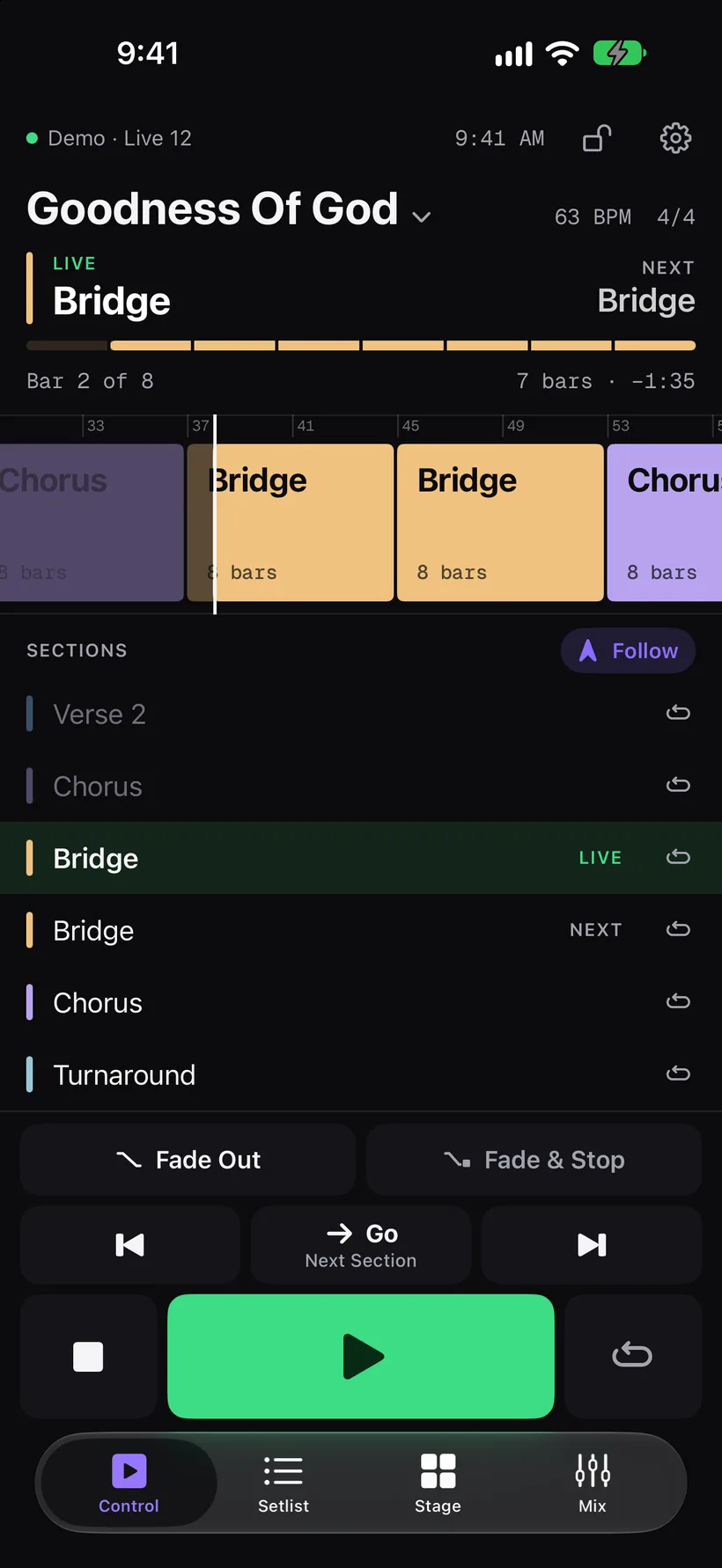
This is the real app running the demo setlist. Jump to a section, loop the chorus, fade the band, open the mix.
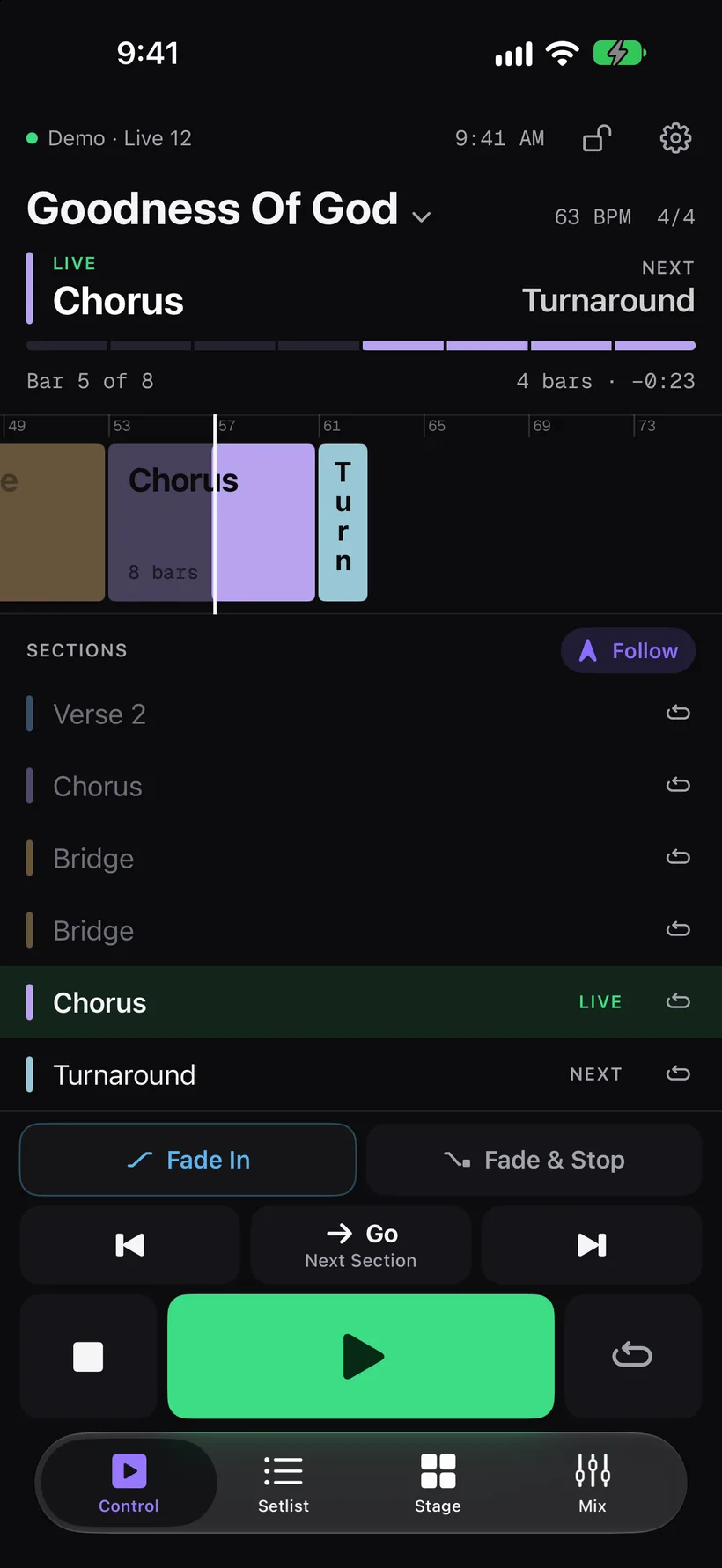
Chorus is live. Tap any section.
Every song.
Every section.
Under control.
-
Jump
Tap a section. It lands on the bar.
After one, two or four bars, or when the section ends. Or go now. The band never hears the seam.
-
Loop
Stay as long as the room does.
Hold a section for as long as the worship leader stays there, then let the song carry on.
-
Guide
Your guide calls the right section.
Jump to the bridge and the MultiTracks guide says “Bridge”, in the voice your band already knows.
-
Mix
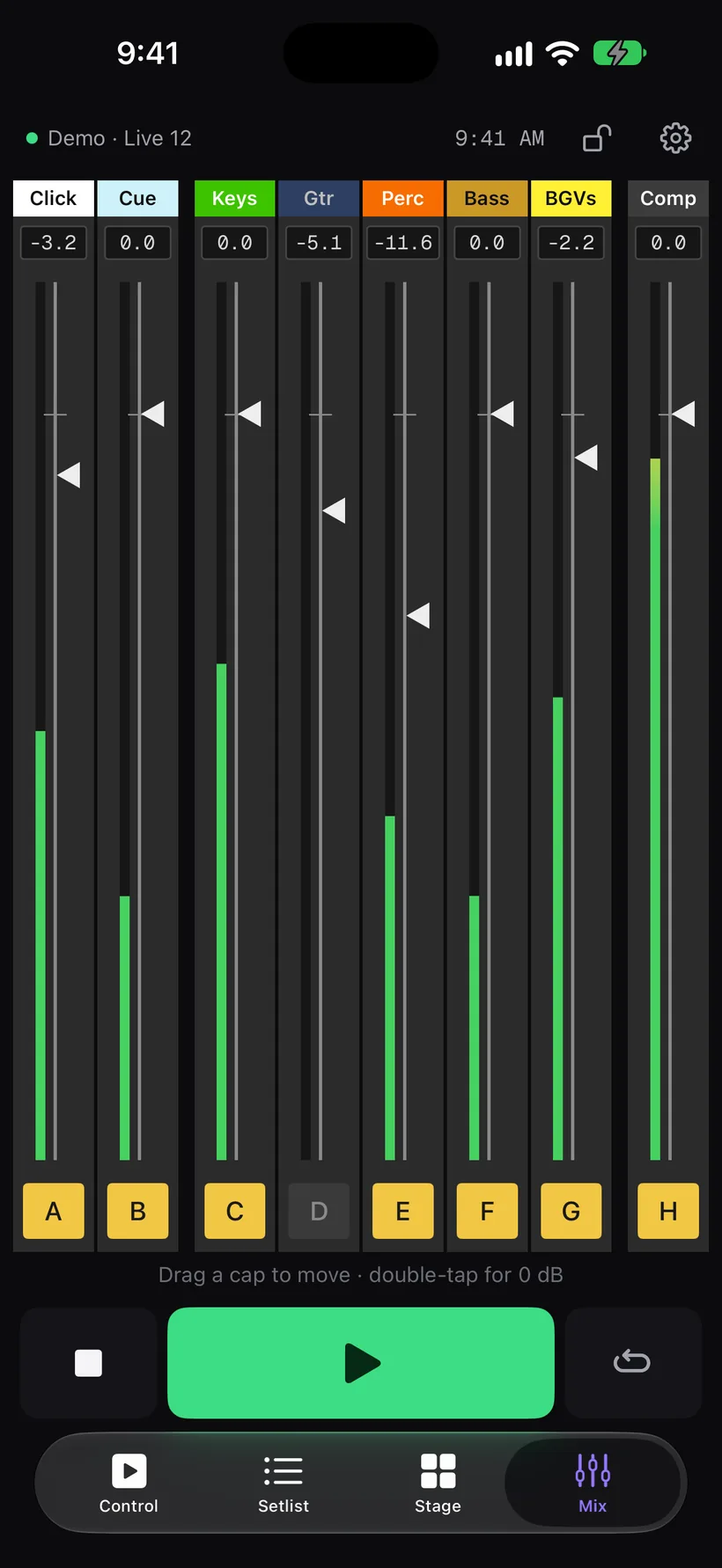
Every output, on a fader.
Only the cap moves, so nothing gets bumped. Click and Cue need a hold to mute.
-
Fade
End it on purpose.
Fade Out, or Fade & Stop. Fades only touch the music, so click and cue keep playing.
-
Hands-free
Keep your hands on your instrument.
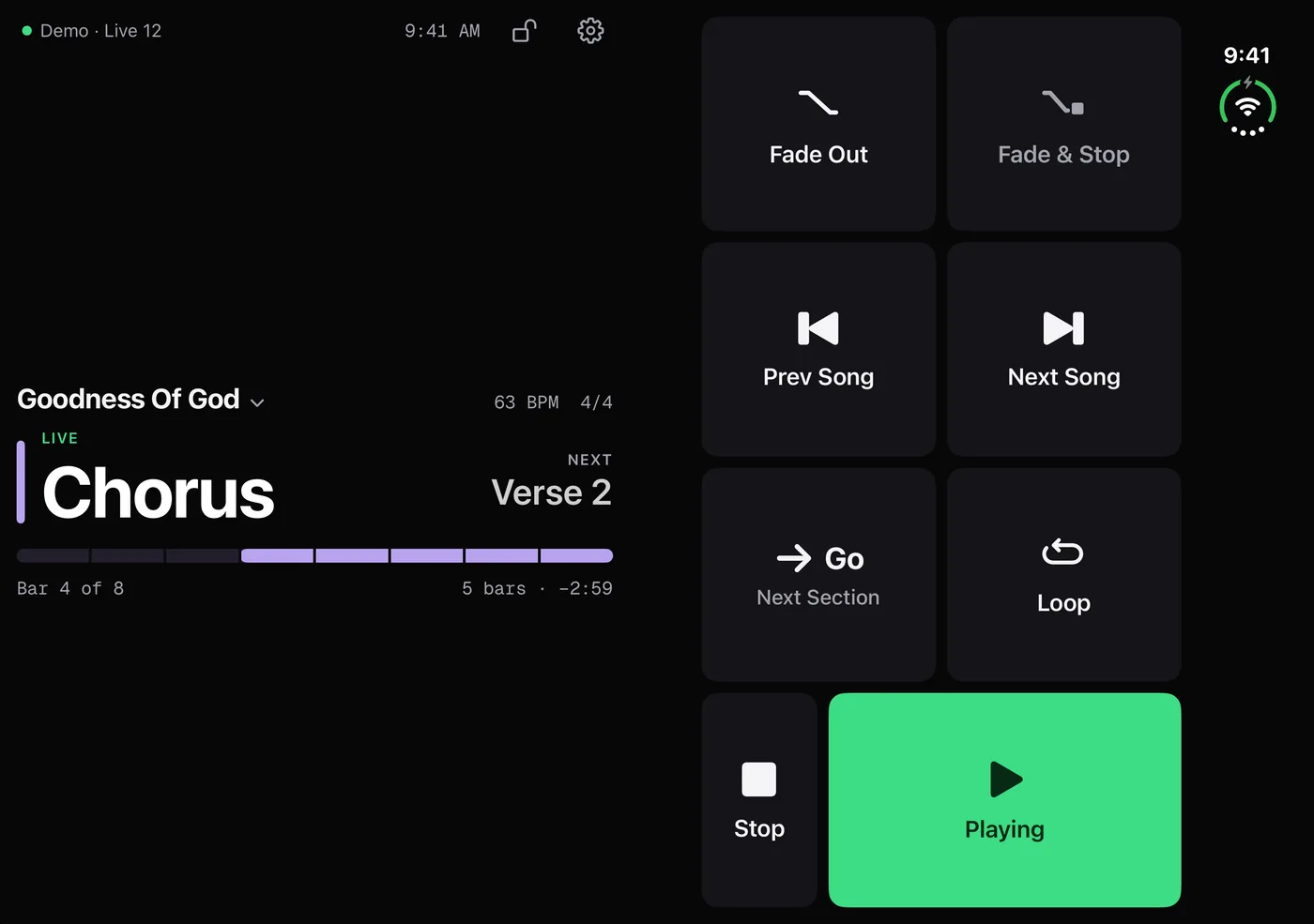
One Go button does the obvious next thing. Page-turner pedals and any MIDI controller work too.
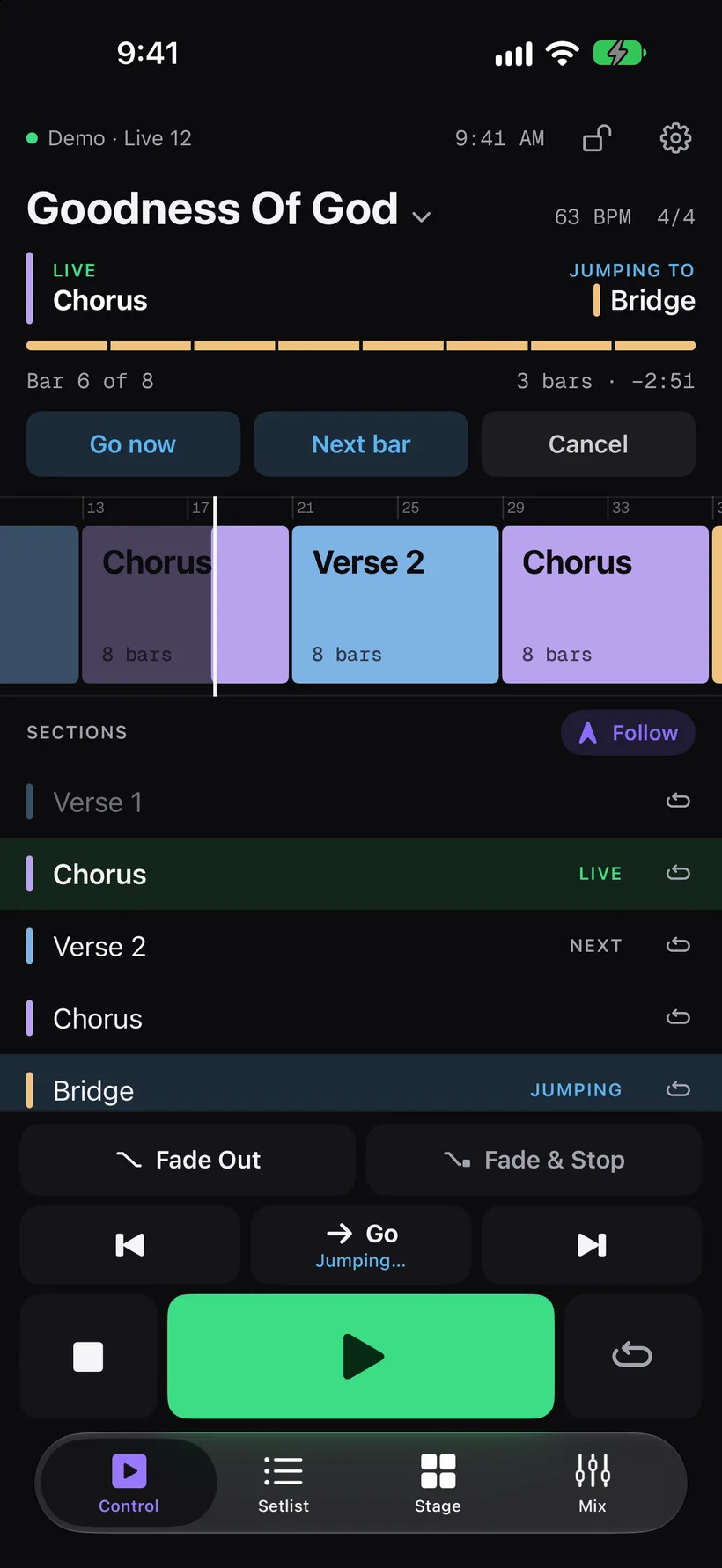
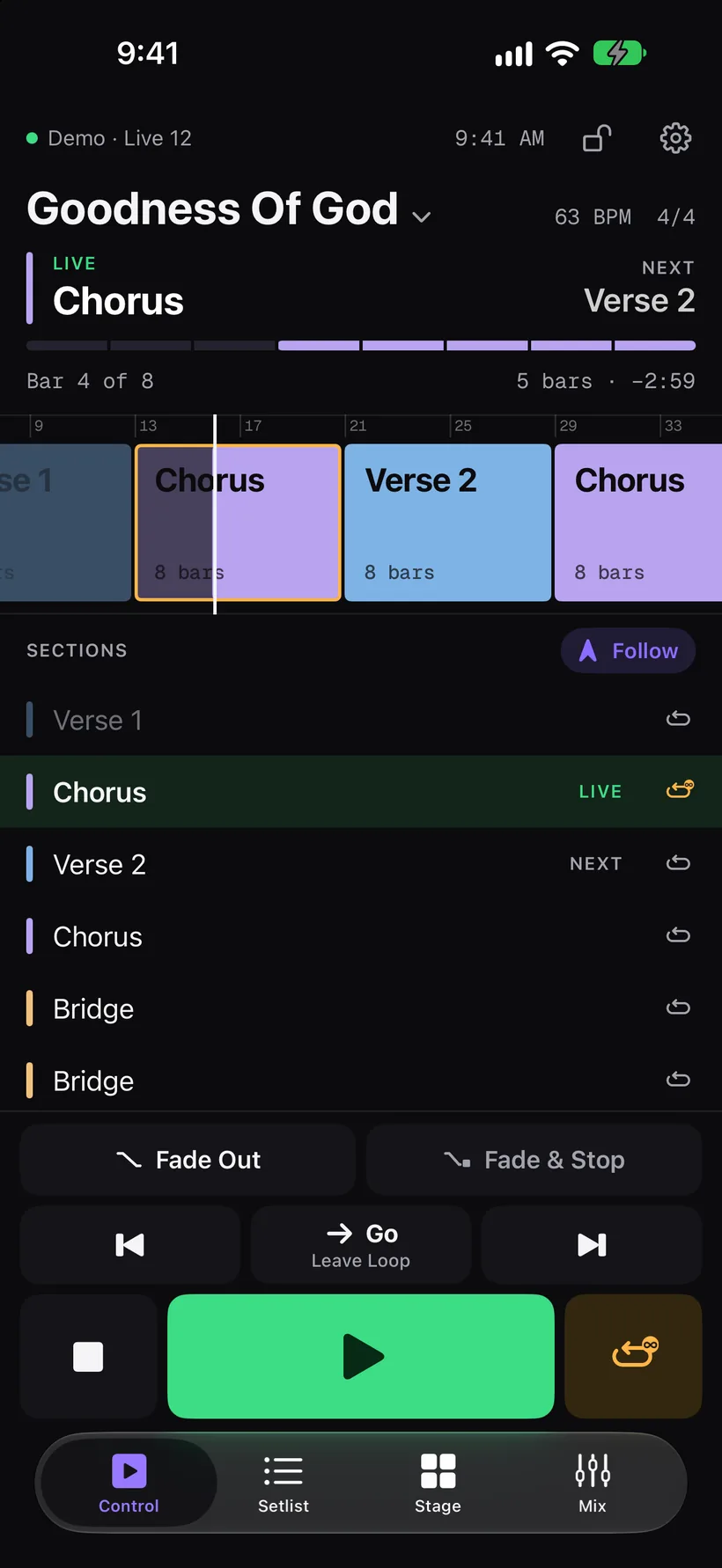
Any screen
on stage.
iPhone, iPad, an iPhone Duo on the music stand, or any browser on the same network. The laptop below is running the browser version right now. Go ahead and mix.

Ready before
the first song.
Works with any Ableton set: Live 10, 11 and 12, Intro, Standard or Suite. No Max for Live, no IP addresses.
Markers in plain English
Pick “Loop until I let go”, “Repeat 4 times”, “Skip” or “Pause here”. Phantom writes the locator into your set, so nobody memorizes codes.
Set Check
Phantom reads the whole set and lists what would trip you up in the middle of a service. Most fixes are one click.
Set up in two minutes
Phantom installs its Live script and walks you through the one setting. Phones find your Mac on their own; enter a six-digit code once.
Phantom Live,
free for 14 days
On its own for any Ableton set, or added to a Phantom plan. Compare all plans →
Phantom Live
For any Ableton set.
- Run the show from any phone, iPad or laptop
- Jump on the bar, loop, skip and pause
- Guide follows jumps and loops
- Mix and fade from the stage
- Markers in plain English and Set Check
- Pedals and MIDI controllers
- Every update included
$129 billed yearly
With a Phantom plan Best value
Add it to Individual or Team.
- Everything in Phantom Live
- Build the show with Phantom, then run it from your phone
- Or buy the current version once for $149
$99 billed yearly